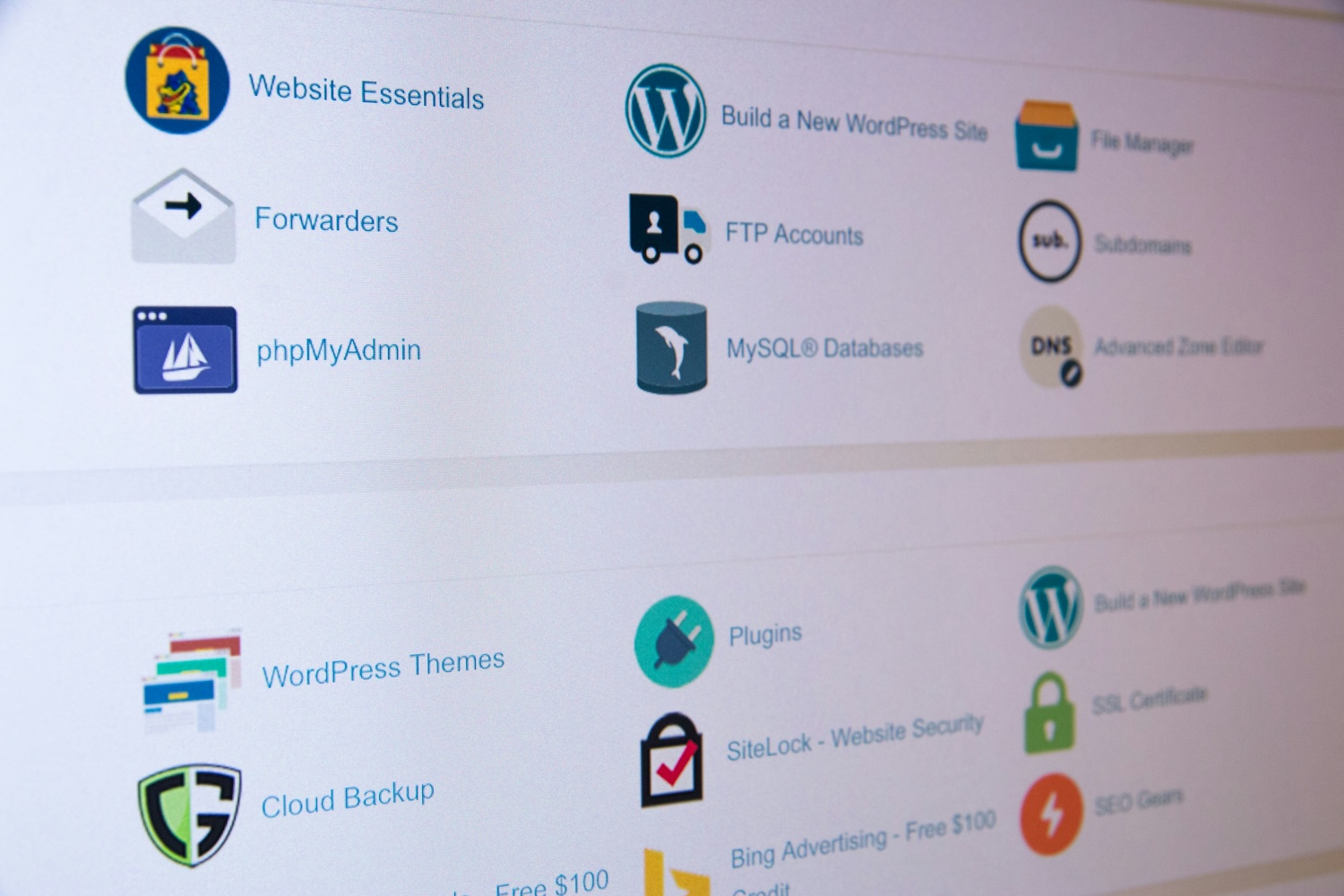
When choosing hosting you'll run into the term cPanel almost every time. It's the most widespread hosting control panel, but not everyone needs it — and with some solutions you'd look for it in vain. Let's explain what cPanel does, what alternatives exist and whether it's even important for you when choosing hosting.
What cPanel is
cPanel is a graphical interface through which you manage hosting in a browser, with no need for the command line. In it you create email mailboxes, databases, FTP accounts, install an SSL certificate, view statistics or deploy WordPress in one click. Put simply: it turns server management into clicking instead of typing commands.
Historically cPanel took hold mainly on shared hosting, where dozens to hundreds of customers need to manage their space simply without access to the whole server. Thanks to that, almost everyone who has ever managed a site recognises it today.
The most common tasks
Managing files and databases, email, subdomains, certificates, scheduled tasks (cron) and backups. For an ordinary shared-hosting user, cPanel covers practically everything they'll ever need without having to learn the server's technical details. An app installer (Softaculous, for example) is usually included, letting you deploy WordPress or a store in a few clicks.
Alternatives to cPanel
cPanel isn't the only option, and in recent years, due to rising licence prices, some providers have looked elsewhere. Widespread alternatives include:
- Plesk — popular on Windows servers and VPS too, with a modern interface.
- DirectAdmin — lighter and cheaper, popular with providers for its lower licence cost.
- CyberPanel, HestiaCP — free open-source solutions, often on a VPS.
They overlap in features, differing mainly in looks, licence price and what they're tuned for. For ordinary site management it's largely irrelevant which one you get — what matters is that some panel is available.
When you don't need a panel at all
Hosted platforms and many modern cloud solutions have no cPanel — you handle management through the provider's own interface or the application itself. The difference between a custom store and a hosted platform, where you don't deal with the technical side, is covered in A custom online store or a hosted platform.
And if you manage an unmanaged VPS via the command line, a panel is optional, and developers sometimes avoid it because it eats performance and memory. Whether to manage a VPS yourself or choose a managed variant with a panel is covered in Managed vs unmanaged VPS.
Does cPanel affect the hosting choice?
For an ordinary shared-hosting user, cPanel (or its alternative) is a great convenience, and when choosing it pays to look at which panel you get and whether it suits you. But there's no reason to overpay for a specific panel — all the widespread panels do the same thing. Far more than the panel's logo, focus on the parameters that affect the site's speed and price; an overview is in The best web hosting for WordPress.