"NVMe disks" are now advertised by almost every host as proof of speed. NVMe really is many times faster than classic SSD — the question is whether your site in particular notices the difference, or whether you're paying for a number from a datasheet. Let's sort it out without the marketing.
Where NVMe is faster
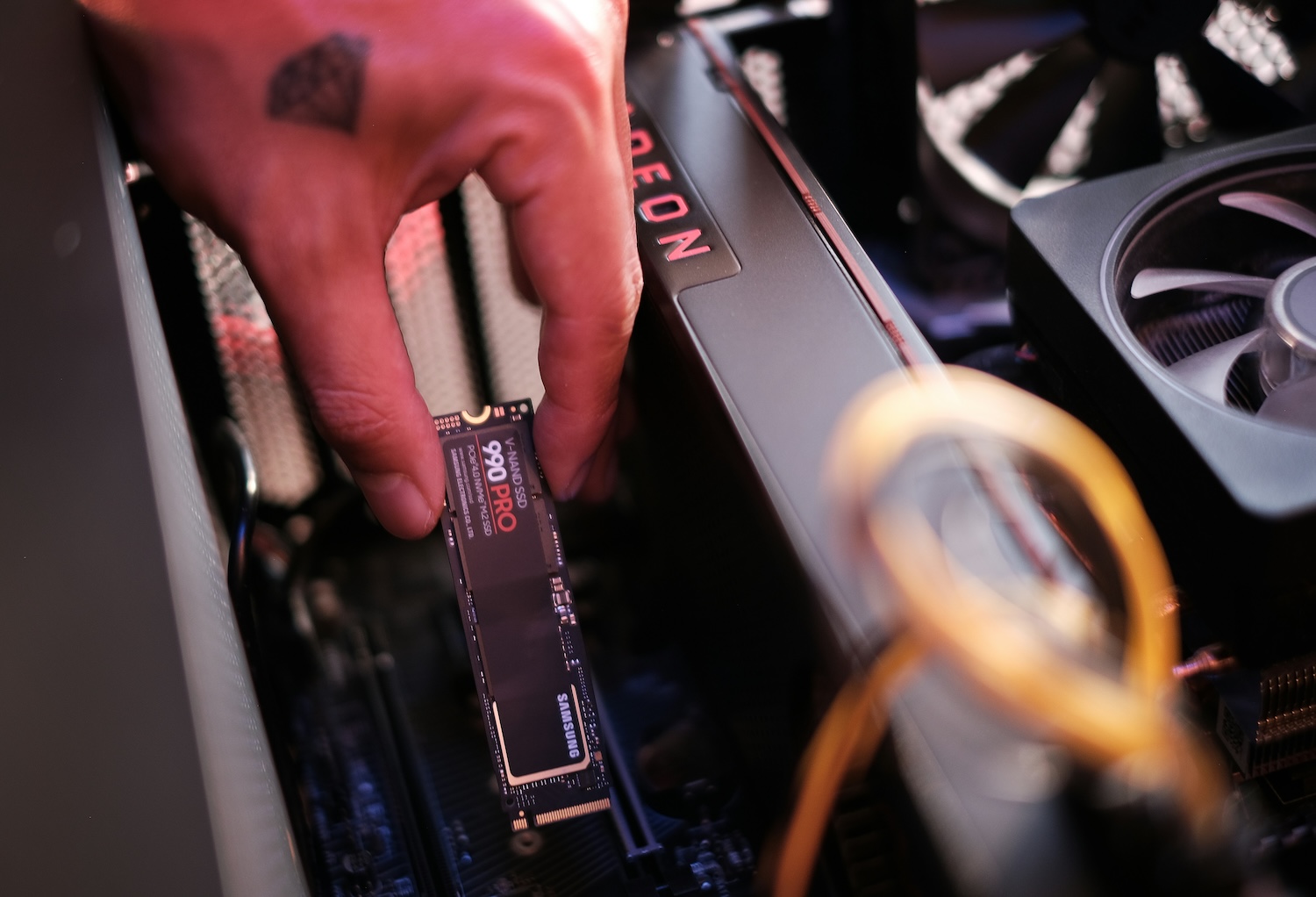
Classic SSD communicates over the SATA interface, which was designed back for spinning disks and forms a bottleneck. NVMe disks go straight over PCI Express, so they offer many times higher throughput and, above all, far more operations per second (IOPS). It's the number of operations, not the transfer speed, that matters for a website.
Why IOPS decide it for a website
A web server rarely reads one large file — instead it does plenty of small reads from the database and files. In that kind of traffic the NVMe advantage shows most: the database responds more snappily and the server handles more concurrent requests on the same core performance. For transferring one large file the difference wouldn't be so visible, but a typical site behaves the exact opposite way.
Watch out for shared disk performance
On shared hosting and cheap VPS the disk is shared by more customers, and the provider usually limits how many disk operations you can do per second. Even the fastest NVMe won't help you then if you hit the limit the provider has set. So when comparing plans, look not only at the disk type but also at whether disk operations are somehow capped.
When you really notice the difference
Most on anything that hammers the database and disk — WooCommerce and other stores, forums, membership areas, sites with a large catalogue. There NVMe noticeably shortens response time. If you run a store, we cover the link to speed in Hosting for WooCommerce.
On a small blog or presentation that's largely served from memory by the cache anyway, the difference will be negligible in practice. The page is served from RAM, the disk barely gets involved — and so it doesn't matter whether SSD or NVMe sits underneath.
What affects speed more than the disk type
The disk is just one piece of the puzzle. In practice, the site is often slowed by entirely different things no NVMe will save:
- Too little memory — when the server swaps, the site crawls regardless of the disk.
- An old PHP version — moving to PHP 8.3 can speed the site up more than swapping the disk.
- Missing cache — without server-side caching the server computes every page anew.
- Heavy plugins and an unoptimised database — the most common brake on WordPress.
The difference also shows mainly on writes, not reads. When posts, comments or orders arrive in bulk — that is, data that has to be saved — a fast disk handles the flood of writes more snappily. So you'll appreciate NVMe more on an active community or a store than on a static presentation, where almost nothing changes after launch and the server just reads finished pages.
Is it worth paying for?
On today's hosting, NVMe is often part of the plan at no extra charge, or for a few cents more — and then there's no point declining it. Paying significantly more makes sense only for database-heavy sites. And beware: a fast disk won't save too little memory or old PHP. Before you worry about NVMe, make sure the hosting doesn't skimp on RAM (see the RAM table) and the PHP version — those often affect the result more than the disk type.
The good news is you can verify the difference yourself. After deploying the site, measure the server response time (TTFB) with common speed-testing tools — if it's low even on dynamic pages, the disk isn't holding you back and there's no point pursuing it. That way you're guided by a real number, not a marketing label on the plan. And don't forget that "NVMe" in the price list mustn't overshadow what matters — the total cost after renewal. How to spot the true long-term price is covered in How much does running a website cost per year.